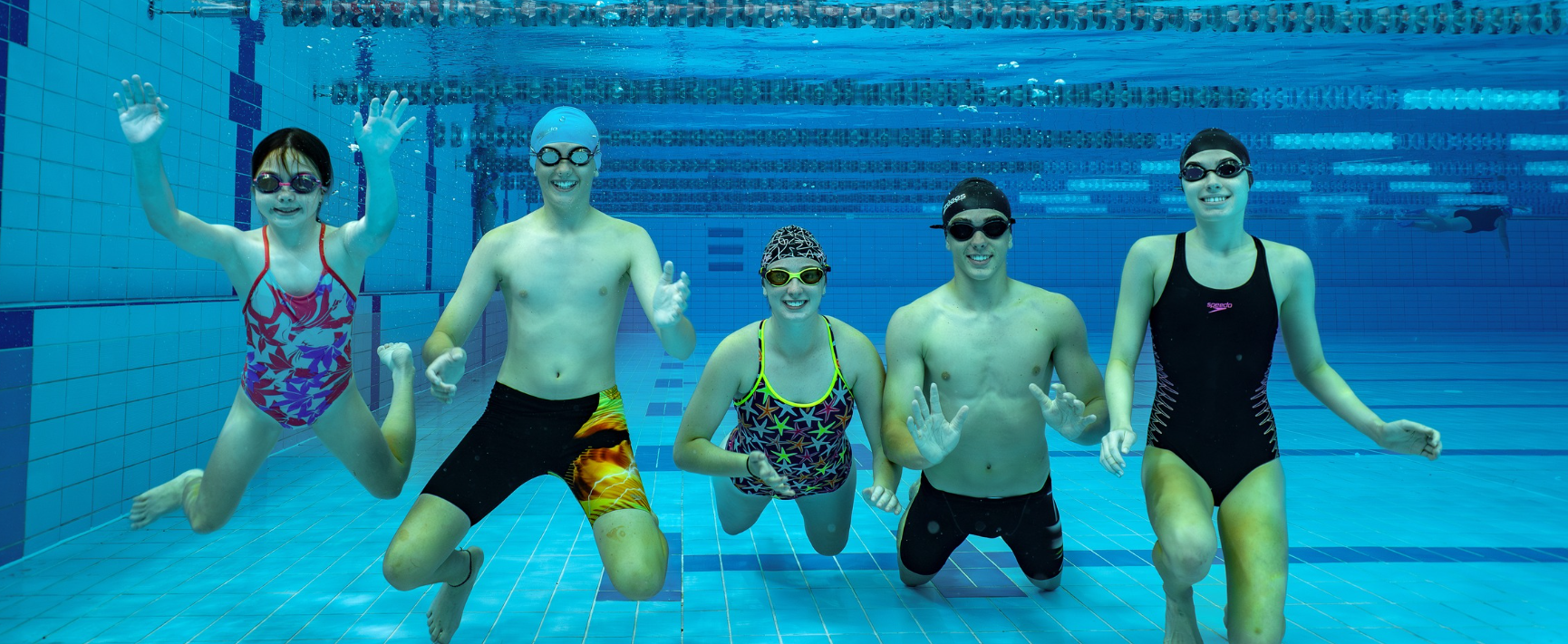
Your GOswim Membership over summer
As part of your current GOswim membership we have some important information and key dates to share with you ahead of the summer holiday period.
Lesson Break Period
There will be a scheduled break in regular lessons from: Monday 21 December 2026 to Sunday 17 January 2027. During this time, no regular lessons will run. Your membership remains active, and you are entitled to utilise your GOswim membership inclusions. Lessons will resume from Monday, 18 January 2027.
Within Active World, you will notice 4 lessons will be missing from your swimming lesson schedule due to this break. Your first class for 2027 will be visible when lessons resume from 18 January 2027.
GOswim Membership Inclusions
Your GOswim membership includes additional summer benefits when your membership remains active with us over the summer break.
4 Weeks Family Swim Access: Swimming access for your immediate family during the 4-week lesson break between Monday, 21 December 2026, to Sunday, 17 January 2027. This allows aquatic swim-only entry for up to 2 adults and 2 children* per visit. *Listed on your Medicare card.
Summer Holiday Swimming Program
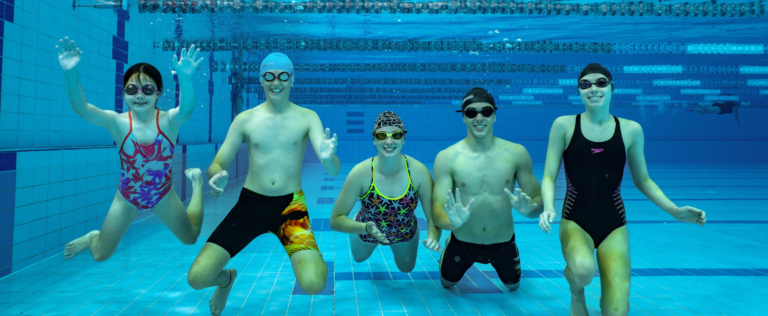
Attend our 1-week holiday program to continue progressing over the summer. That’s a 30-minute lesson each day over 5 consecutive days, at no extra charge. Our Summer Holiday Program is running Monday 11 – Friday 15 January 2027. Registration is essential and opens via the Active World app on 1 December at 12pm.
How to book your child into our Summer Holiday Swimming Program
Open Active World App and from the Active World home page:
- Select ‘Book Weekly Lesson‘.
- Select the child you wish to register.
- Change Class Type to ‘Holiday Program‘, then select ‘Done’.
- Select the preferred Class session time, then select ‘Book’.
- Enter the Promotion Code found in your email, then select ‘Apply’. The price at the bottom of the screen will become ruled out.
- Tick that you agree to the Terms and Conditions.
- On the payment screen, select ‘Confirm’.
- A confirmation screen will appear. From here, you can select ‘My Schedule’ to view your booking. You will also receive a confirmation email.
Look out for your email with our Summer Holiday Program registration code.
Going Away?
If you’ll be away over the holiday period and wish to pause your GOswim membership, please follow the below steps to process a self suspension. Self-suspensions can be actioned from 1 December, and must be submitted by 16 December.
- Select ‘Manage’ from your dashboard, and then ‘Suspend’.
- If your lesson days are Monday, Tuesday, Wednesday or Thursday: set Start Date to Thursday 17 Dec 2026, and End Date to Wednesday 13 Jan 2027.
- If your lesson days are Friday, Saturday or Sunday: set Start Date to Thursday 24 Dec 2026, and End Date to Wednesday 20 Jan 2027.
- Select ‘Confirm’ to finalise.
- Select ‘Done’, and adjust the ‘Reason’ to ‘Summer Free Suspension’.
- Select ‘Confirm’ to finalise.
If you have additional questions or need support to action your GOswim Membership options over summer, please chat with our GOswim team today.